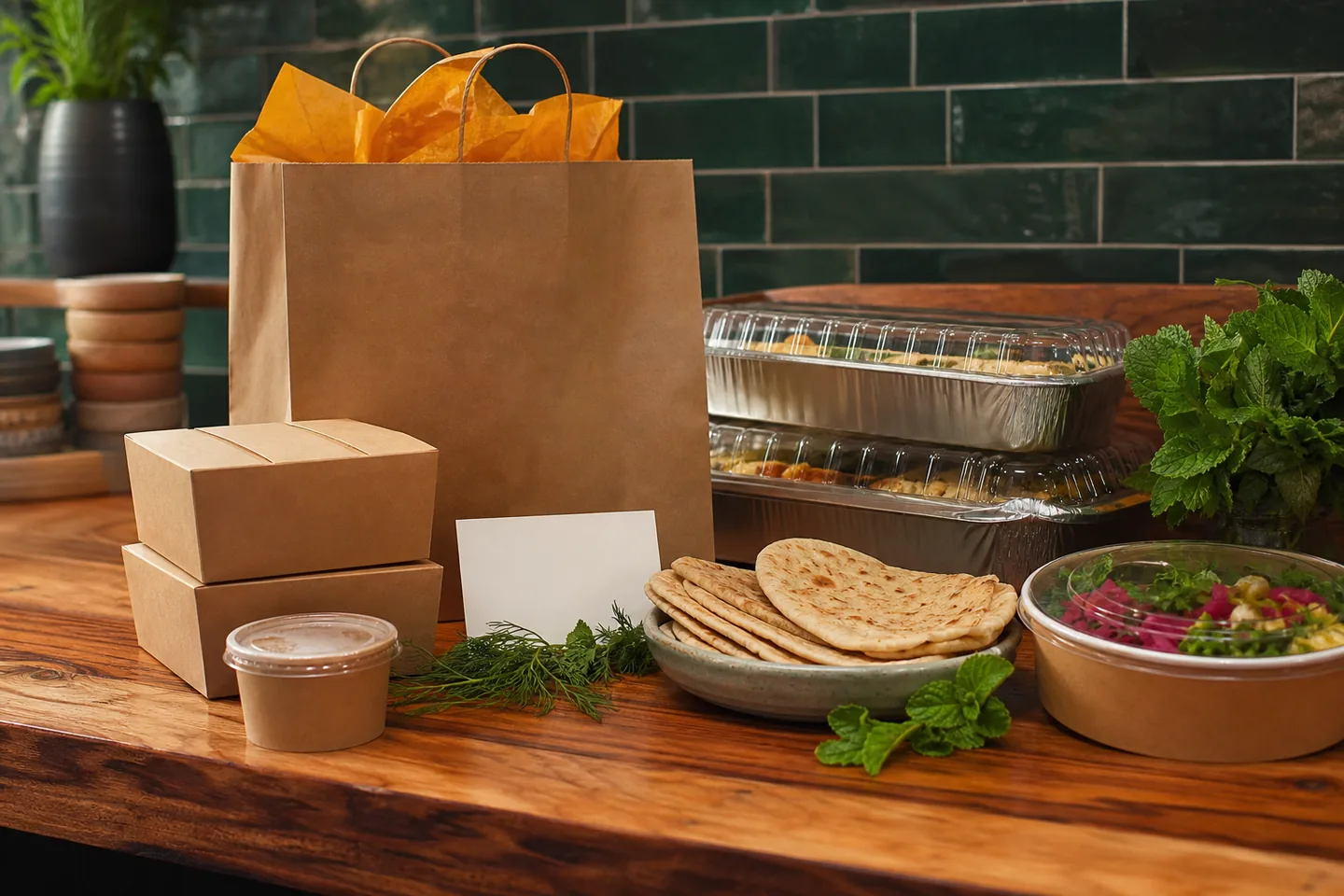
Prepared pickup
Describe the foods, portions, quantity, and pickup timing you hope to arrange. An accepted web request is not a confirmed order; preparation and timing must be reviewed before you rely on them.
Public service intake
Use this form for catering, prepared pickup, a specialty order, or a product question. The server records accepted requests and returns a unique reference for follow-up.

What this request covers
The request categories are intentionally broad. Choose the closest match, then explain the result you want in the message. You do not need to know every detail before you start. A date, quantity, guest estimate, and a short description usually provide a useful foundation for review.
Describe the foods, portions, quantity, and pickup timing you hope to arrange. An accepted web request is not a confirmed order; preparation and timing must be reviewed before you rely on them.

Add the date, guest estimate, meal style, and the foods or priorities that matter most. The market can then review capacity and follow up about options, quantities, timing, and any next steps.
Share a product name, package size, brand, ingredient, or plain-language description. If safety, certification, or dietary suitability matters, verify the final answer against current packaging and authoritative sources.
Request service
The form uses stable, labeled fields and posts to a same-domain server endpoint. Required information is validated on the server. A short rate limit and hidden spam field help reduce automated abuse, while accepted records are stored outside the public web folder.
A success message means the server recorded the request and issued a reference. It does not mean the market has accepted an order, reserved inventory, agreed to a date, quoted a price, or received payment. Those details require a direct response.
A stronger request
For a product question, name the product or describe the ingredient, brand, package, or use. For a specialty order, add the quantity and the latest date that would still be useful. For prepared pickup, describe the dishes, number of portions, and preferred pickup window. For catering, include the gathering date, guest estimate, meal style, and any clear priorities.
If your plans are flexible, say so. Flexibility around date, quantity, or menu direction can help the market frame alternatives. If a requirement is firm, identify it plainly so it is not mistaken for a preference.
Describe what you need the market to check, but do not rely on the form alone for a safety-sensitive decision. Product formulations, suppliers, facilities, and certification status can change. Review current packaging and obtain authoritative confirmation before purchasing, ordering, or serving food to someone with a medical, allergy, religious, or other strict requirement.
After acceptance, save the complete CSM reference displayed on the page. If you send a later general message, include that reference. A reference proves that the website recorded the request; it is not itself a booking, receipt, invoice, reservation, or confirmation.
The request lifecycle
Request data is not kept in local storage or a simulated JavaScript array. The browser sends the fields to the server, and the page waits for the server’s answer before presenting success.
Required fields, email format, request type, date, guest range, consent, and spam controls are checked.
Accepted information is appended under an exclusive lock to a protected ledger outside the public site folder.
The server creates a unique CSM reference and sends it back to the page for your records.