Contact the market

A clear question is a good place to start.

Use this page for a general message, product question, website accessibility concern, or follow-up. For catering, prepared pickup, a specialty order, or a dated request, use Request Service instead.

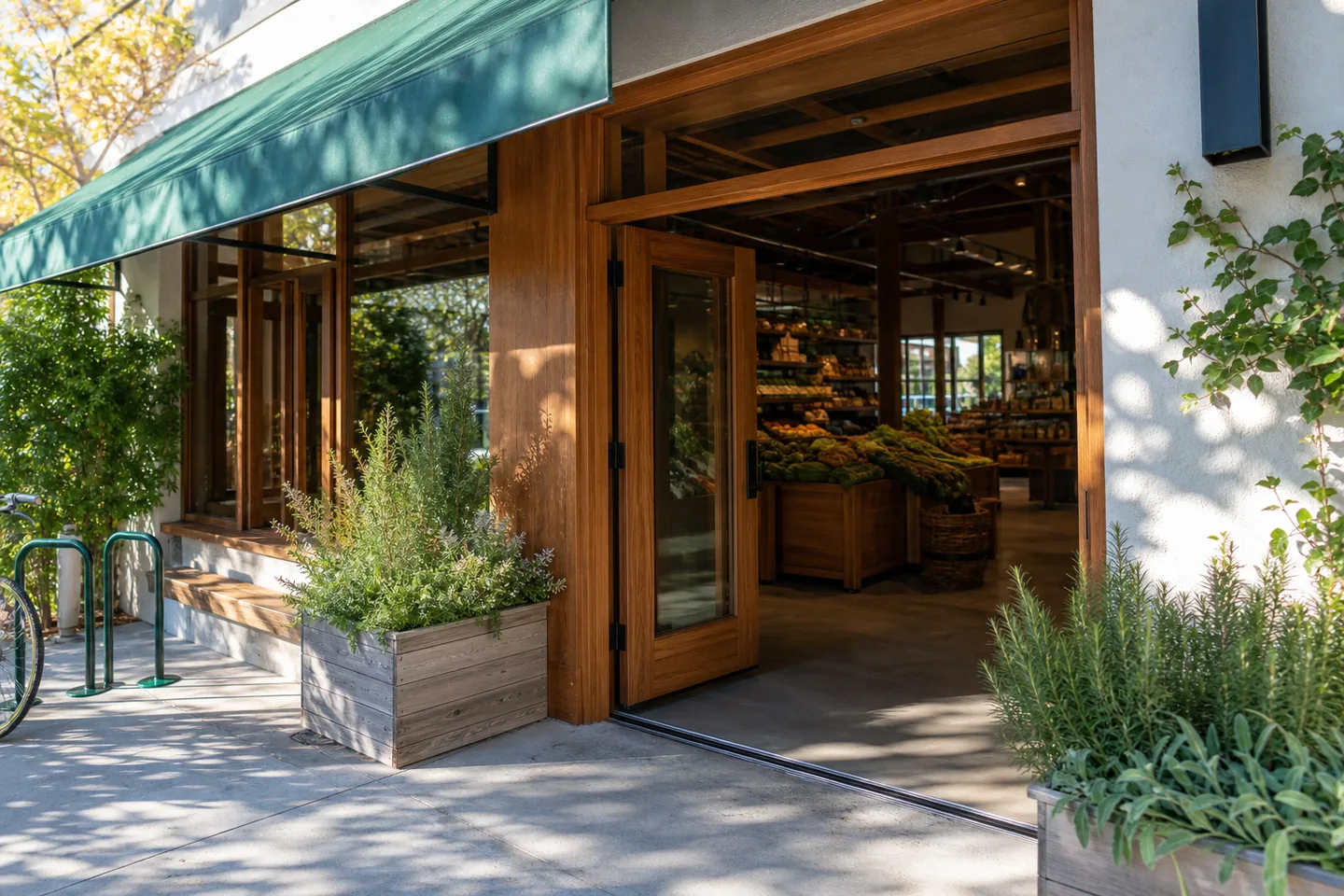
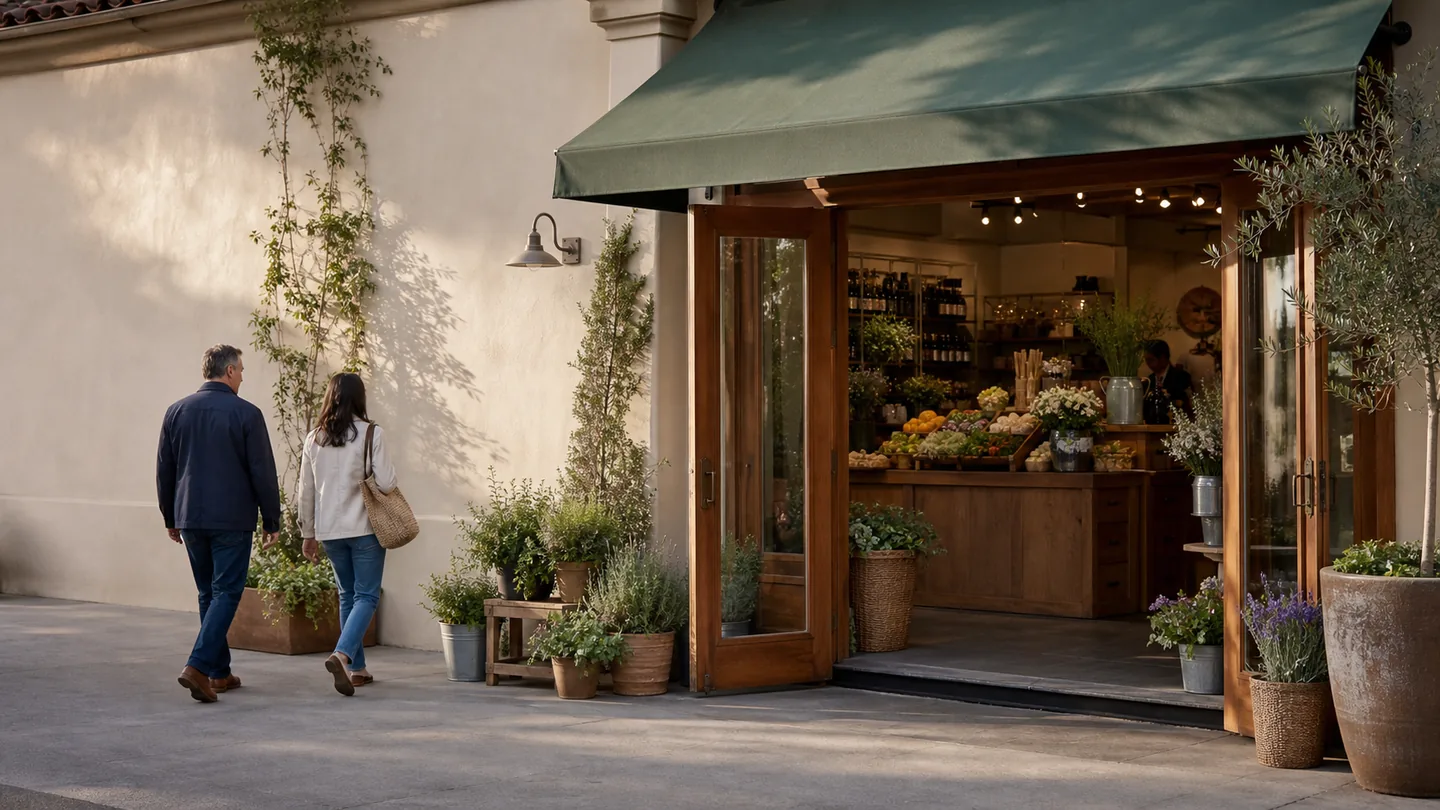
Welcoming market entrance with cedar doors, green awning, and herb planters

Choose the right path

General message or service request?

The Contact form is best for a broad question, a website issue, a privacy or accessibility concern, or a short follow-up that does not require service-planning fields. Request Service is better when a date, guest count, quantity, pickup plan, catering need, or special product request would help the market evaluate what you need.

Market team member listening to a customer at the service counter

General questions

Ask about the market, a category of product, the website, or a reference you already received. Include enough context to understand the question, but leave out passwords, card numbers, medical records, and other sensitive information.

Staff member handing a packed grocery order to a customer

Pickup and order planning

When your message involves food preparation, quantity, timing, or pickup, the Request Service form provides the right fields. Submitting it does not confirm an order; it creates a reviewable request with a reference.

Level market entrance with a clear walkway, herb planters, and bicycle rack

Access questions

Send a message if you need website content in another format, encounter a digital access barrier, or need to ask about access before a visit. Exact location and visiting details should be confirmed through the market’s response.

Send a general message

What happens next.

Required fields are marked. The form is sent to the same website over HTTPS. The server checks the fields, applies a short anti-spam rate limit, and records accepted messages outside the public website folder.

If the server accepts the message, the page displays a unique reference beginning with CSM. If there is a validation or server error, the page says the message was not sent and keeps the success state hidden. There is no browser-only success simulation.

Please note: This is not an emergency channel. A message does not reserve a product, confirm availability, create a purchase, or guarantee a response time.
At least 20 characters. Do not include sensitive information.
Fields marked * are required.

Before you visit

Confirm details that can change.

The website does not publish an unverified street address, phone number, or set of operating hours. Use the form to request current visiting or pickup information before relying on a trip. A direct response can also clarify whether a specific product or service is available at the time you need it.

Product packaging and authoritative sources remain the right place to verify ingredients, allergen statements, facility statements, certifications, storage directions, or other safety-sensitive information. A general website response may help you locate information, but it should not replace current labels or professional advice.

For an existing reference

Include the complete CSM reference in your message and explain what has changed or what you need clarified. Do not send the same request repeatedly within a few seconds; the server uses a short rate limit to reduce automated abuse.

For privacy or accessibility

State “privacy” or “accessibility” near the beginning of your message so the concern is easy to identify. You can ask what information a form collected, request an accessible alternative for website content, or describe the page and control that created a barrier.